Structured, constructive conversations online
Dialogue is a digital platform for building consensus via ideas, comments and ratings in a shared space.
Manage closed conversations with defined groups of stakeholders, or open up a public debate.
Get a demo >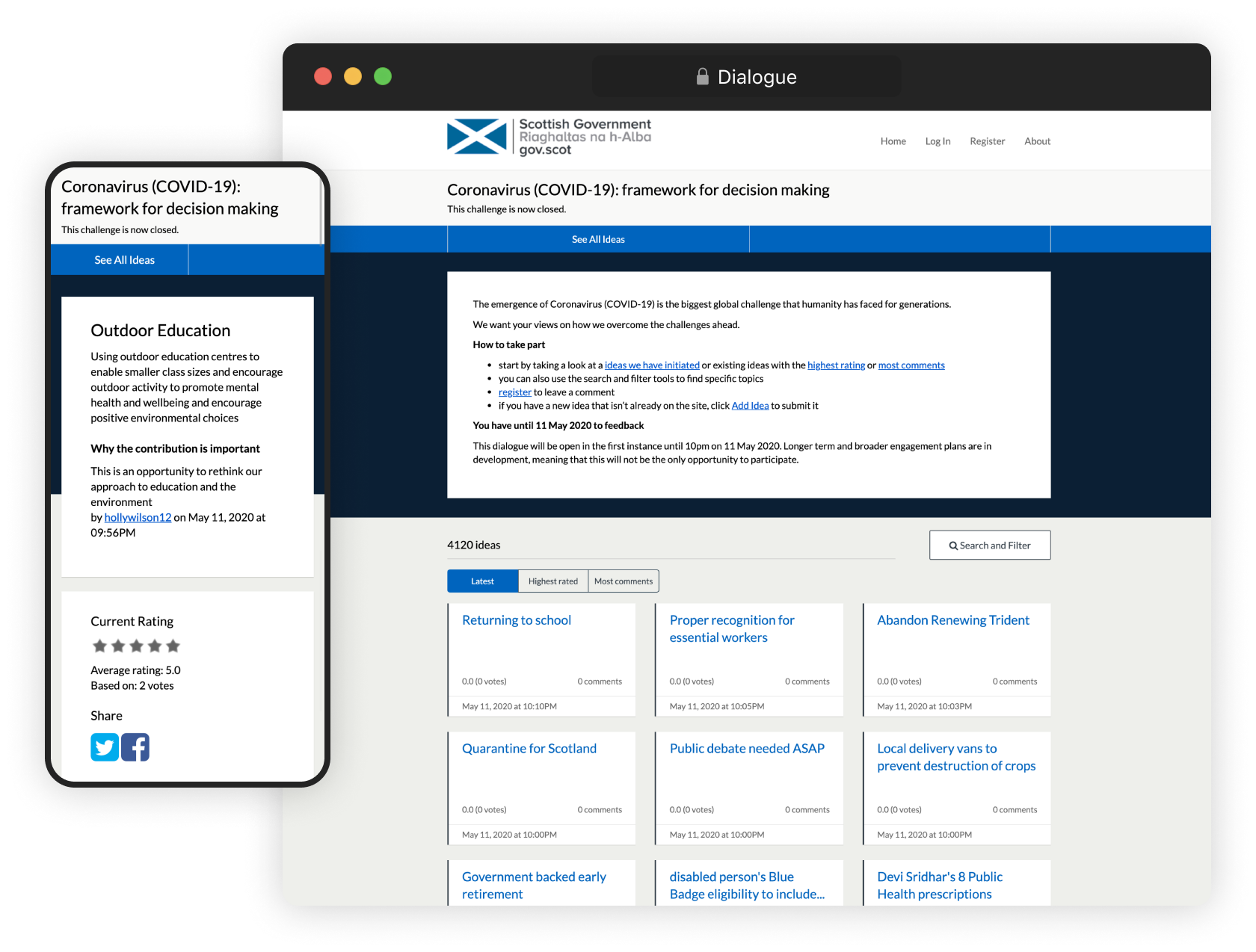
The Dialogue feature that asks 'why is this idea important' is great because it makes the respondent think twice about what they’re saying and then argue the case for their idea. If you look at some of the conversations that went on, that was a big part of why it was successful.
Digital Engagement Team, The Scottish Government
Discuss decisions without descending into chaos
Talking about decisions, exchanging ideas, listening before acting – these are essential in the everyday functioning of a healthy democracy. Dialogue makes the process easier, more manageable and more useful – whether you've got tens or thousands of participants.
Guides
Engage in a conversation
Government bodies around the world have used Dialogue to run public engagement activities, from national policy discussions with thousands of participants to closed conversations with a handful of specialist stakeholders.
To see if Dialogue is a good fit for your process, book in a free demo. We'll establish your needs and walk you through how Dialogue can work for you.
Request demo







The platform encourages thoughtful, considered debate more than a standard online survey or poll, and I have found it to also elicit respectful discussions, even when opinions are in conflict. Dialogue is also incredibly easy to understand (for users) and to extract and summarise the contributions (for officials). I love it, and can’t wait to use it in future inquiries!
Senior Researcher, National Assembly for Wales
News and articles
Want a real person to walk you through a live demo?
We’re happy to help out. We'll answer all your questions. We won't share your contact details.
Request a Free Demo